
Features NextGig
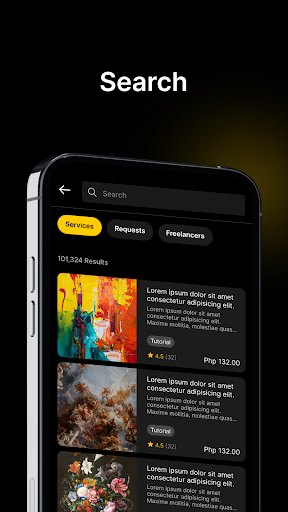
NextGig is a talent marketplace platform that aims to facilitate a streamlined way of connecting student freelancers with clients.
The platform will help alleviate the competitiveness and saturation of the freelance market by offering a dedicated platform exclusively for students.The platform aims to achieve the following goals:1.
Provide student freelancers a platform to establish their reputation and skills by engaging in freelancing opportunities and showcasing their portfolios2.
Include an administrative web management system to oversee and manage the mobile application3.
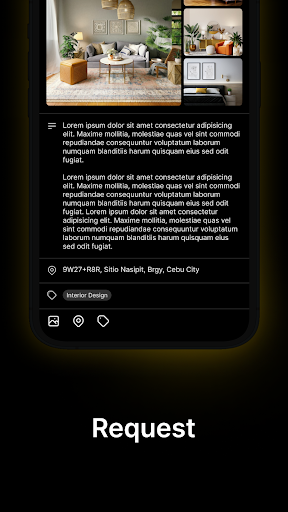
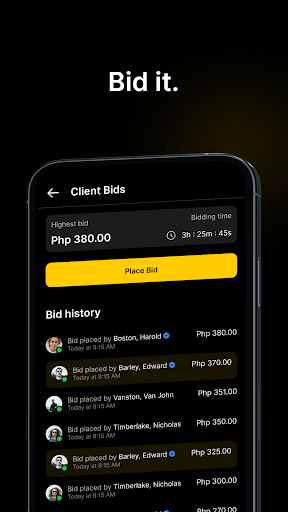
Incorporate key features, which are in-app and badge notifications, real-time communication, gamification rewards, service bidding, price counter-offers, and a secure mobile wallet payment gateway.
Social Features
Connect and share with friends and the community.
Food & Dining
Discover recipes and order food from your favorite restaurants.
Shopping Features
Shop online and find the best deals.
See the NextGig in Action
Get the App Today
Available for Android 8.0 and above